In this tutorial, you will learn how to install a third-party watch face APK on Wear OS from your computer.
Requirements
- A Wear OS smartwatch
- A computer (Windows/macOS/Linux)
- A watch face APK file
- Same Wi-Fi network for watch and computer
Install from computer (ADB over Wi-Fi)
- Download Android platform-tools (ADB).
- Extract the archive to an easy location (for example:
C:\platform-toolson Windows). - Open a terminal in that folder.
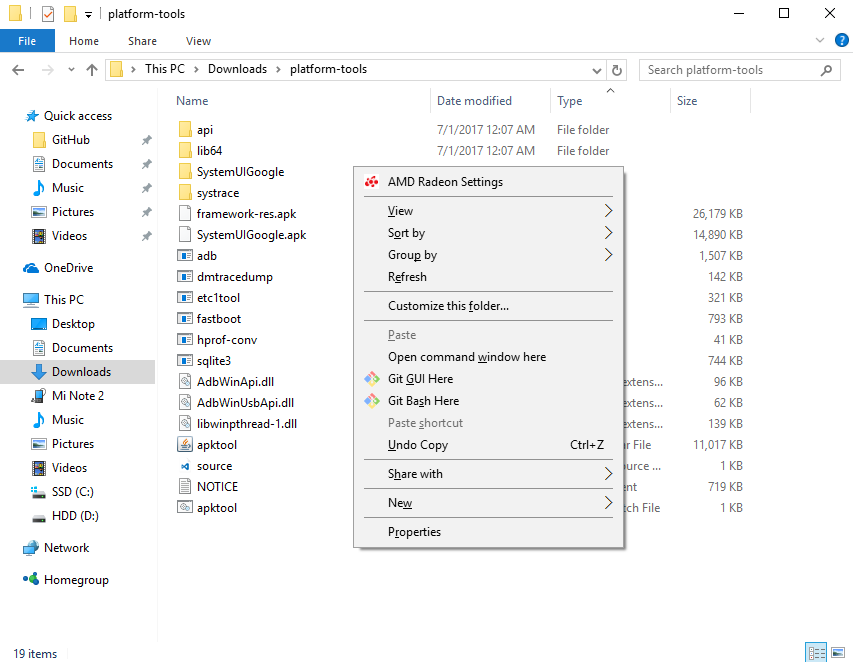
Open terminal in the platform-tools directory.
- On your watch, enable Developer options, then enable ADB debugging and Wi-Fi debugging.
- Read the watch IP and port from Wi-Fi debugging (example:
192.168.1.18:5555). - In terminal, connect with
adb connect WATCH_IP:PORT. - Accept the debugging prompt on the watch.
- Copy your watch face APK into the platform-tools folder.
- Install with
adb install your-watchface.apk.
If the install succeeds, you should see output similar to Performing Streamed Install and Success.
Install from Android phone (coming soon)
This section will be added in a future update.
Discussion
Share feedback, ask questions, and upvote/downvote comments.
Sign in to comment.
No comments yet. Start the conversation!