If your Tizen watch has apps and faces you still use, leave them installed while checking your recovery options. An empty store limits how you can replace content; it does not mean every feature on the watch has stopped working.
The original Galaxy Watch, Watch Active, Active2, Watch3, Gear S2, Gear S3 and Gear Sport families appear in Samsung's Tizen device table. The advice here concerns a watch you already own. A used watch that has been reset may no longer have the apps you remember.
Check your working setup first
Try the functions you use on the watch today and note what you would miss after a reset.
| Check now | Record this |
|---|---|
| Your usual face, including its dim always-on view | Face name, settings and where you obtained it. |
| Timer, alarms and other apps you rely on | Whether the app is present and actually opens. |
| Phone notifications and any connected features you use | Which phone and connection currently work. |
| An app needing an online account | Whether its own service still responds, not just whether its icon exists. |
Samsung's Galaxy Store support team says installed content may remain usable and warns that some apps may no longer function normally. Check each app's operation as well as the store. Samsung's June 2026 reply.
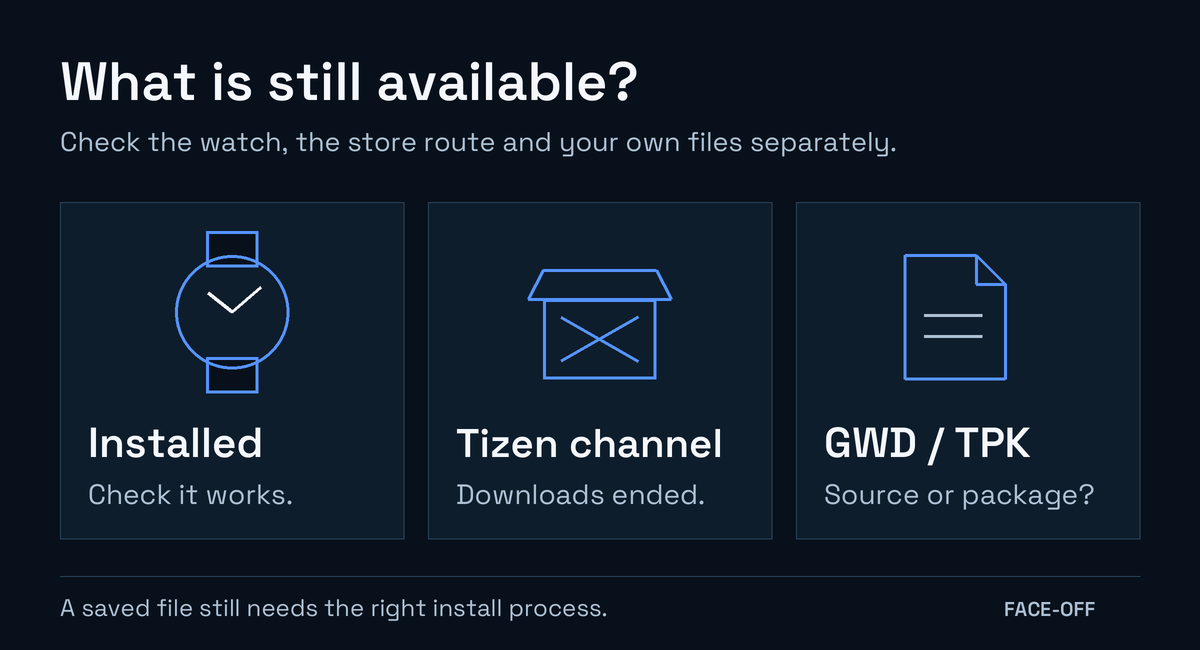
Leave a favourite working face installed. Uninstalling it to try the store's recovery route could cost you that working copy.
What happened to the store?
Samsung's currently served Seller Portal notice gives this schedule for Tizen Watch content in the Galaxy Store:
| Stage | Date in that notice |
|---|---|
| Paid sales and new downloads suspended | September 30, 2024 |
| New free-content downloads suspended | June 25, 2025 |
| Purchased-content re-downloads and the service ended | September 30, 2025 |
Read Samsung's updated schedule. The May 31, 2025 entry covers sellers' remaining For Sale content changing to Suspended, rather than the free-download date above.
Later regional replies give December 31, 2025 as the re-download deadline; Samsung India's January 2026 response is one example. Both deadlines have passed. This shutdown concerns Tizen watch content, not the entire Galaxy Store for phone apps.
Finding a purchase-history entry does not recover the app file. Changes of phone, store version or region remain an unreliable way to retrieve a deleted watch app.
Save useful information before changing the watch
Where backup is still available, use Samsung's watch backup controls and record whether it completes. The listed backup data includes an installed-app list and watch-face settings. Do not assume that list contains a complete offline copy of each downloadable app.
Keep any original face project, music file or other source you already own. Save the face name and a photo of its settings to help identify it if the old store link disappears.
Before changing phones or pressing Continue, check the exact phone/watch combination and what the connection process resets. Plan around content you can actually recover after the store closure.
Where Face-Off's Tizen files help
Open the Samsung Tizen library for listings with original source files and packages where available. In a listing, choose All packages and source files → Samsung (Tizen), then Show source files to find the GWD. Some listings also include a separate Wear OS adaptation.
- Omega Olympic Blue lists an editable GWD source. Its Tizen section currently has no install-ready artifact.
- DW Classic St Mawes retains its original GWD and TPK files. Its reviewed Normal/AOD emulator images show the Wear OS APK. They do not verify the original Tizen package.
A GWD opens in the older Galaxy Watch Studio. A TPK is a built Tizen package with its own target and signing requirements; a Wear OS APK belongs to another platform. See the GWD installation guide for the older tools and certificate checks before treating a listed file as installable on your watch.
The resources page has further file-format and installation guides. For a later move to Wear OS, follow the guide on moving an editable GWD design. That process adapts a source project; it does not restore an old Tizen app or store purchase.


Discussion
0 comments. Share feedback or ask a question.
Sign in to comment.
No comments yet.