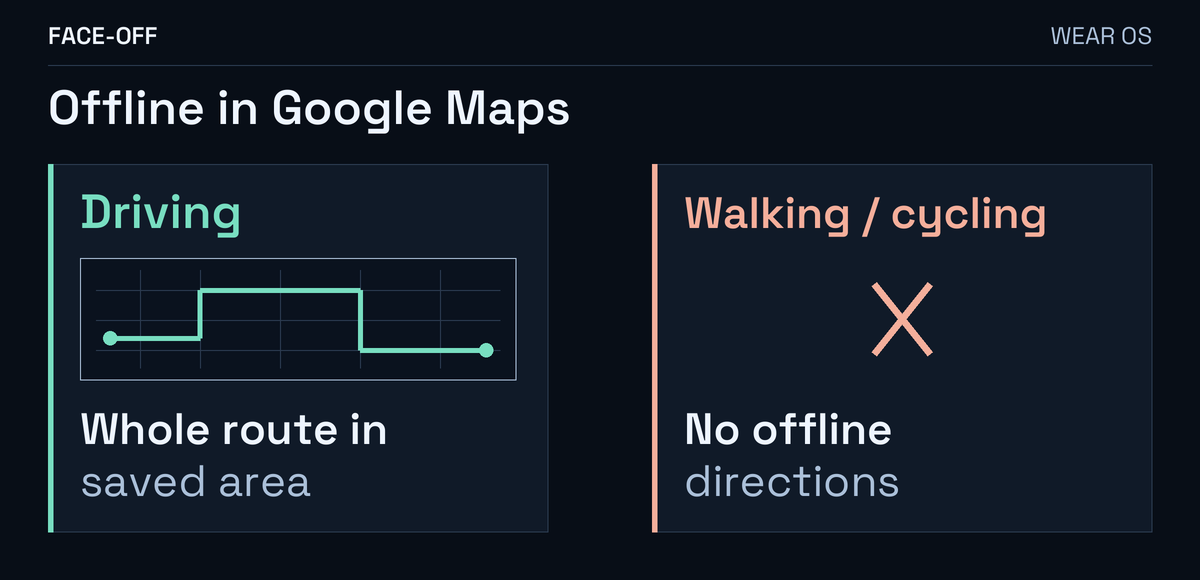
Google Maps’ Wear OS guidance limits offline directions to driving. Walking and cycling without your phone need a connected setup; Google documents LTE for that use. A saved area alone will not start a new offline walk.
Look for the area on the watch
On Pixel Watch, open Maps → Offline Maps. Google’s Pixel Watch instructions describe automatic sync from the paired phone while the watch charges, or a manual Tap to Download for the area you want.
Read the status on the watch and wait for its copy to finish. A ready map on the phone does not confirm the transfer. These controls are documented for Pixel Watch; another Wear OS model may have different menus.
A Galaxy Watch 7 owner thought the area was downloaded, then reported success after completing it. The edit never identifies which travel mode worked.
Save enough area for the drive
On the Android phone, open Google Maps → profile picture → Offline maps → Select your own map. Adjust the box, then choose Download. Google’s Android instructions show those controls.
Include the journey between your starting point and destination. Offline driving needs the entire route inside the saved area, with no live traffic or alternate routes. If the phone’s area is expired or expiring, open it in Offline maps and choose Update. Check the watch copy again afterward.
For a walk, use the connected option
Start Walking directions on your connected, online phone. To show them automatically on the watch, enable Walking under Maps → Settings → Auto-launch there.
Google also describes starting on the phone and leaving it behind. That does not promise a fresh offline walking route.
These navigation steps cover Wear OS 3 or newer. Wear OS 2 uses directions from the paired phone.
Try the setup before leaving
Try a nearby destination with your planned connection and travel mode, then check the watch’s first direction.
If driving still fails with a completed watch map, record the exact error, watch model, installed software and Maps version. Include whether you started on the phone or watch, and which connection was available.


Discussion
0 comments. Share feedback or ask a question.
Sign in to comment.
No comments yet.