Look at the watch before scanning the QR again. If the new face is already visible there, an old picture in Zepp does not show that the transfer failed.
An Active Max owner found exactly this after installing an edited face through Developer Mode: the watch showed the new face while Zepp still showed the previous one. They had initially looked only in the app.
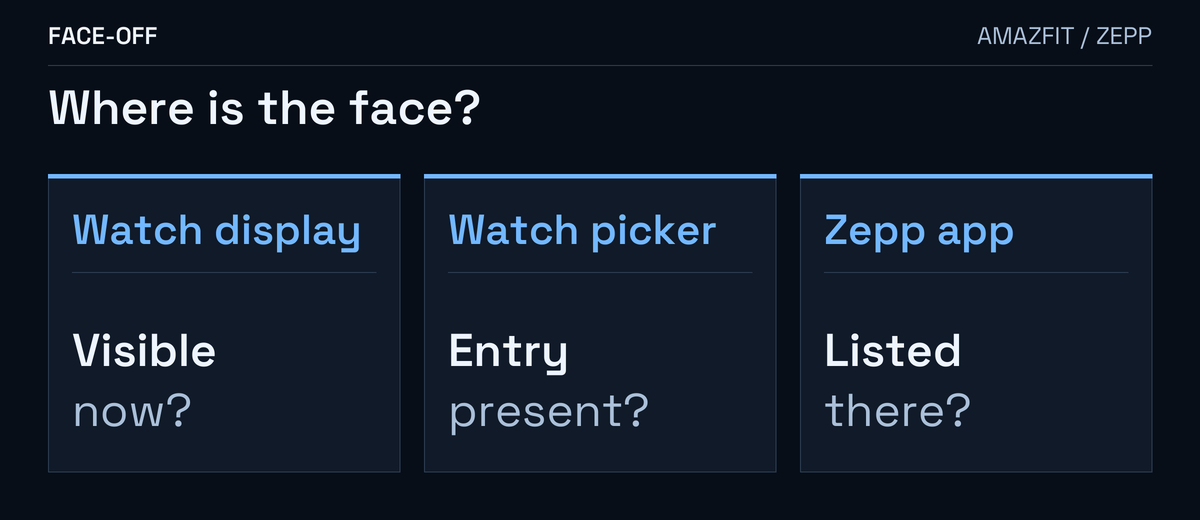
Start with the watch’s picker
On Active Max, wake the watch, hold the current face and swipe left or right through the available options. If the face you want has an entry, tap it there. Amazfit’s Active Max manual describes that picker.
On Amazfit Balance, you can use App List → Settings → Watch Face & Time → Watch Face, or hold the face and swipe. Balance’s face-selection guide.
If you want to keep the face currently running, leave it selected while checking the author’s information. Save the original page, QR or package and any version information. Keep the editable project too if it is your design.
Check how the creator shared it
Zepp calls its Developer Mode scan a real-device preview. Watchface Maker’s Install operation generates a QR for that workflow.
A store release needs a separate submission and review, with supported devices and countries or regions specified. Zepp’s publishing instructions describe that process. Previewing a face does not create its store listing.
For the store edition, ask the author whether it has been published for your exact model and region, and what name to find.
For your own Maker project
Zepp’s QR-install instructions require support for the paired device and the same account in Maker and Zepp. Its test guide matches the project, simulator target and paired watch. Screen dimensions alone do not establish the right model edition.
For someone else’s shared face, ask for its supported model and intended installation route.
If scanning or transfer ends with an error and the face never appears, send that exact message. Say whether it appears on the watch’s display, in its picker and in Zepp’s list.


Discussion
0 comments. Share feedback or ask a question.
Sign in to comment.
No comments yet.