Pixel Watch 3 watch faces
Download watch faces for your Pixel Watch 3, with Normal and always-on previews.
Download a watch face
17 designs with hosted APKs
Compare Normal and always-on previews from the released APK. Check the minimum software shown on its card before downloading.
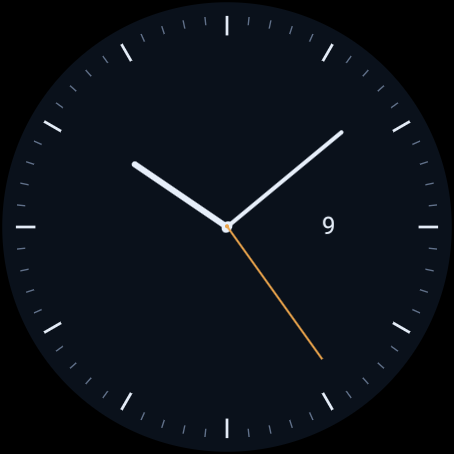


Simple White Dial
1.1.0
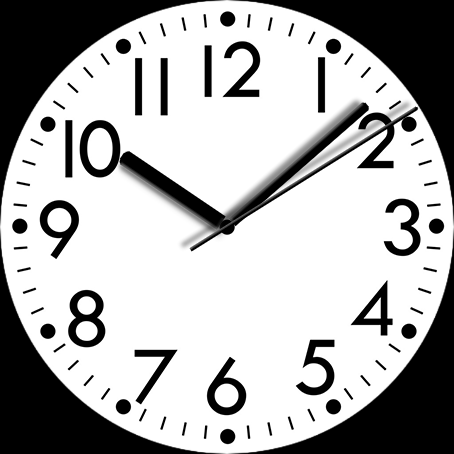


IWC Mark XVIII
1.1.0


Nomos Black
1.1.0


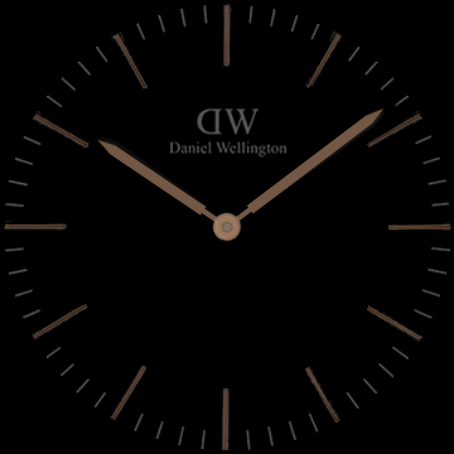
DW Classic St Mawes
1.1.0


DW Classic St Mawes
1.0.0


Rolex Daytona Silver
1.0.0


Set up a face on your Pixel Watch 3
Pixel Watch 3 comes in 41mm and 45mm cases and launched with Wear OS 5. Check small text at wrist size on the version you own.
Pair the watch with the Google Pixel Watch app. A downloaded WFS or WFF source is for editing; install the face’s APK on the watch.
- 41mmSee manufacturer specifications
- 45mmSee manufacturer specifications
- On the watch, open Settings and find its software information. Wear OS 5 is its launch software; installed updates can change the version.
- Choose an APK above and follow our illustrated installation guide. Install the APK on the watch, then open the full watch face picker to select it.
- Open the face’s customization controls to choose compatible complications and colors. The controls supplied with each design can differ. Change colors and complications.
Design a face for Pixel Watch 3 · SimpMusic for Pixel Watch 3